Nesting blocks
Outliners used to be apps of their own, made for one way of thinking: write the big steps first, then break each one down, as far as it needs to go. Ubimate has an outliner in every page.
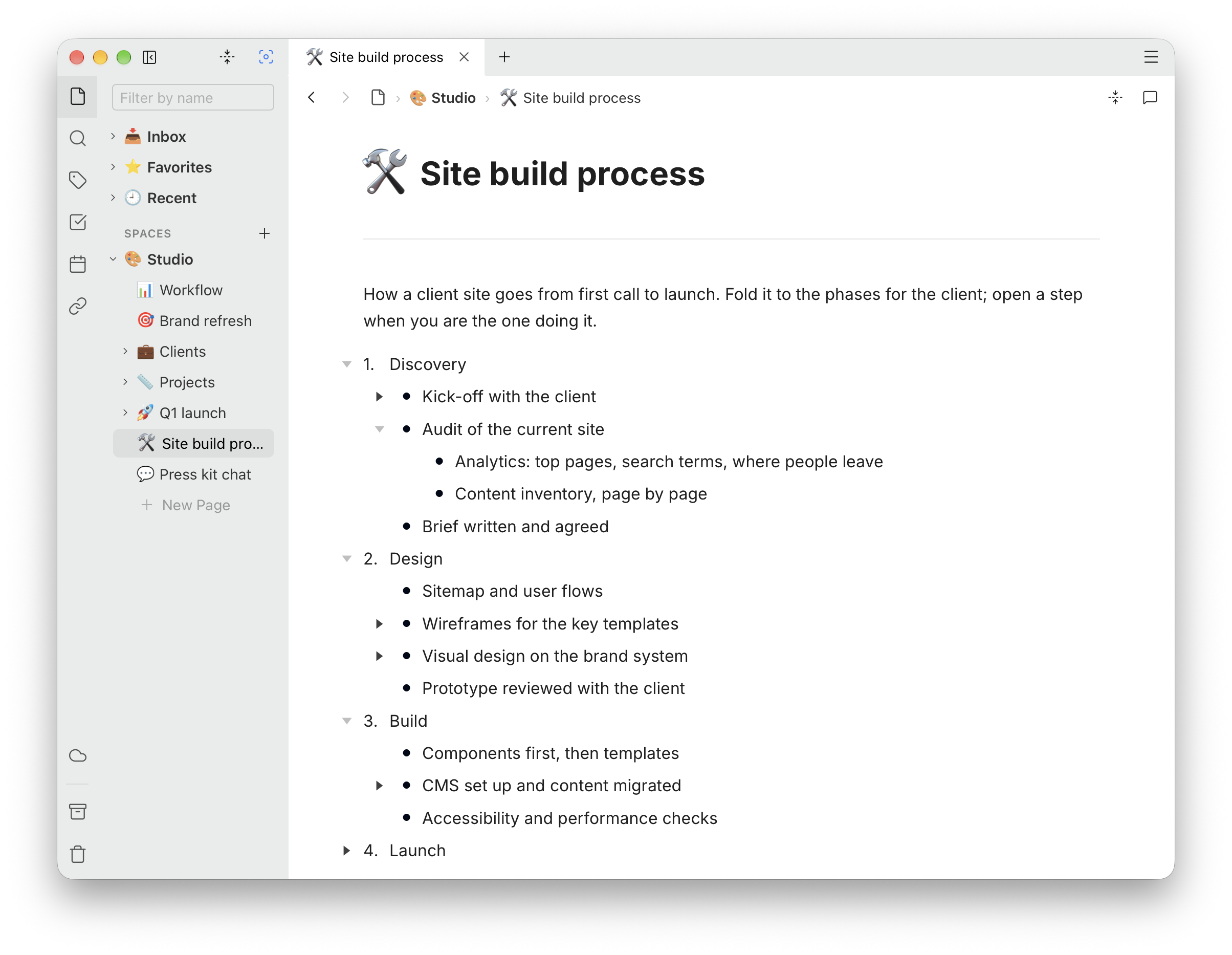
Tab indents a block under the one above it, and Shift+Tab brings it back out. That works for every block, not only list items: a paragraph can sit under a heading, a list under a callout, a whole answer under a question.
The block above becomes the parent, and what is indented under it are its children. Children can have children of their own, up to twelve levels in from the left margin; past that, Tab does nothing.
In a table, Tab moves between cells instead.
Folding a block
A block with children has a triangle beside it. Click the triangle to fold the block: its children are hidden, and the triangle turns solid and points sideways, so a folded block is easy to tell from an open one. Click it again to unfold.
From the keyboard, Esc folds or unfolds the block you are typing in.
The app remembers your folds on this device, so a page opens the way you left it. They are not part of the page itself: they do not sync, and another device keeps folds of its own.
Folding the whole page
The fold-all button in the editor’s toolbar folds every block on the page at once. To choose how much stays open:
- ⌘1 folds everything, leaving only the top level
- ⌘2 shows two levels
- ⌘3 shows three levels
- ⌘4 unfolds everything
On Windows, use Ctrl for ⌘.
Moving a block
Drag a block and its children come with it, folded or not. A whole branch of an outline moves as one, so reorganising a page means moving a handful of parents rather than every line under them.
Keeping an AI chat
A conversation with ChatGPT, Claude or another assistant is a few short questions, each followed by a long answer. Saved as it comes, it is a wall of text where the questions are hard to find. Outlined, it reads like a table of contents:
-
Put the question in a callout — type
/calland pick one — so it stands out from the answers. - Press Enter twice: the first starts a new line in the callout, the second leaves it for a new block below. Then press Tab to indent that block.
- Paste the answer. Everything in it arrives indented under the question — headings, lists, code and all — because the paste goes where the indented block is.
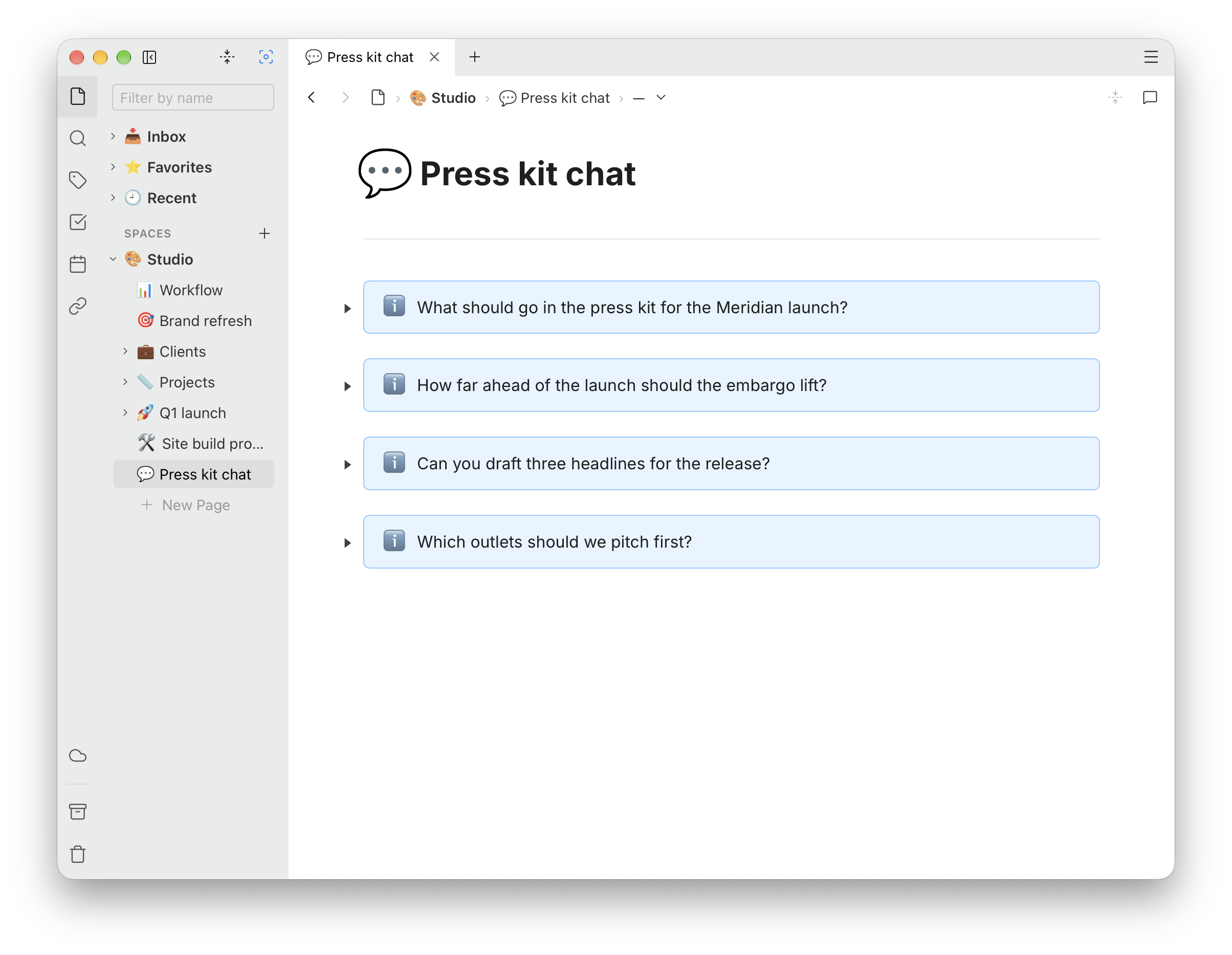
Repeat for each question, then press ⌘1. The page folds down to the questions alone:
Then open only the answer you came back for, with its triangle:
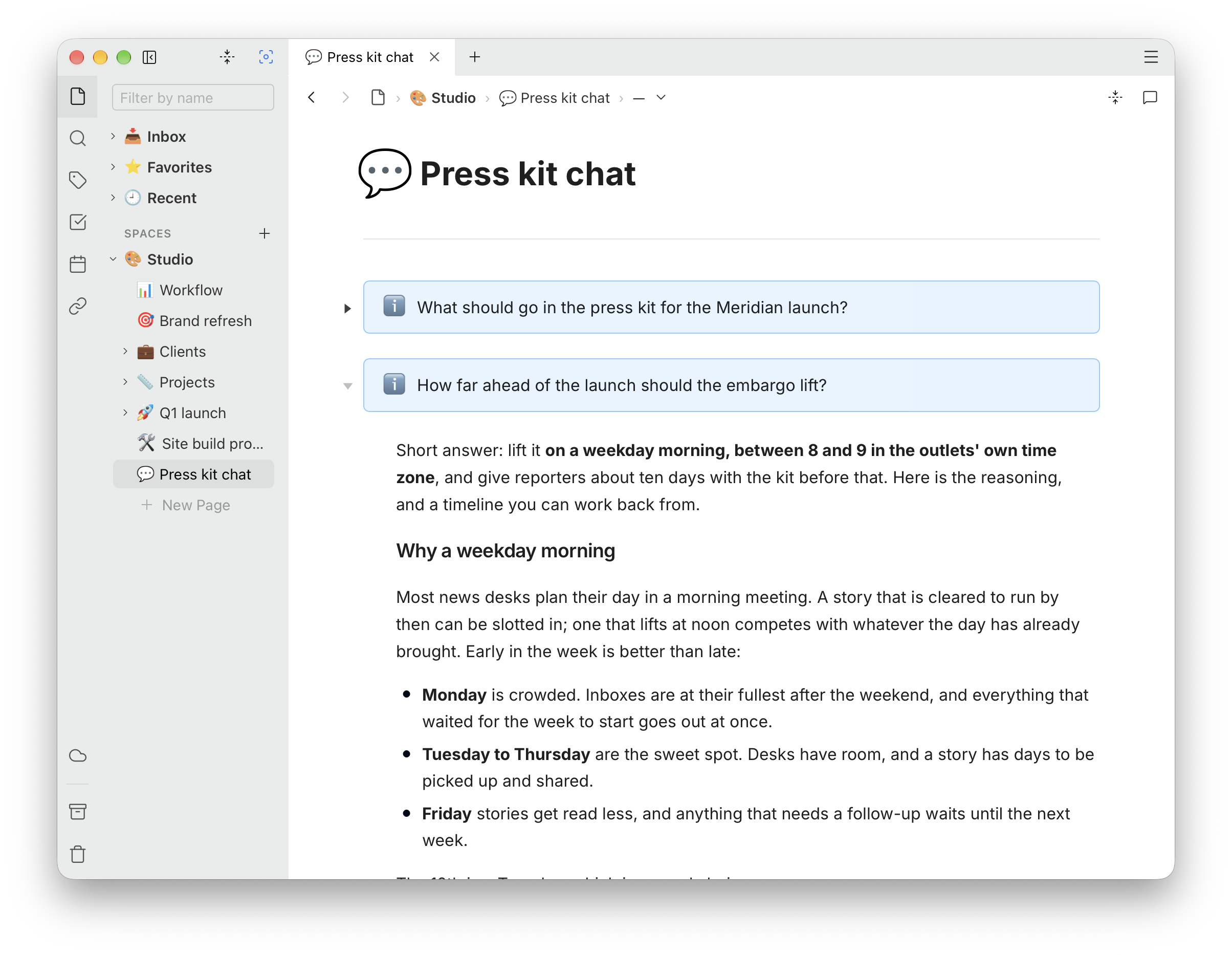
Dragging a question moves its answer with it, so related questions can be gathered together later. Pasting keeps the answer’s formatting and its images; Copy and paste has the details.
More ways to use it
The same shape, a short line with the long part folded under it, suits:
- Meeting notes: an agenda item at the top level, with the discussion and decisions under it.
- Reading notes: a quote, with your thoughts on it underneath.
- A journal: a date for each day, put in with @, with that day’s entries folded under it.
- Drafts: the headings of an article first, filled in one at a time, with everything you are not working on folded away.